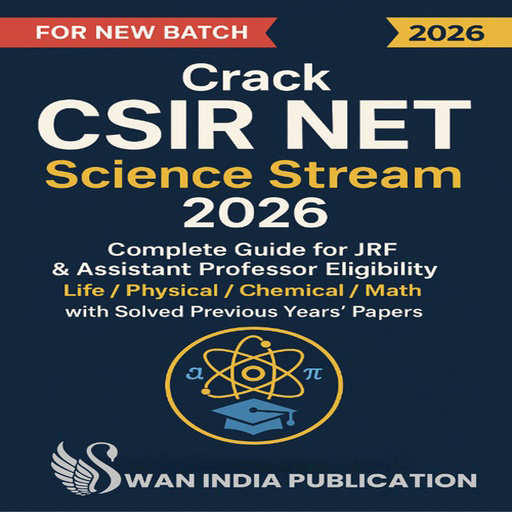
CSIR NET Online Exam Software
The CSIR NET Online Exam Software is a highly specialized and efficient platform tailored for the Council of Scientific and Industrial Research - National Eligibility Test (CSIR NET), which is one of India’s most prestigious exams for research and lecturership positions in science and technology. Designed to simulate the actual computer-based test (CBT) environment, the software allows institutions, coaching centers, and ed-tech platforms to conduct subject-wise mock tests and full-length practice exams for subjects like Life Sciences, Chemical Sciences, Physical Sciences, Earth Sciences, and Mathematical Sciences. The interface is intuitive, with section-wise navigation, scientific symbol support, and real-time tracking that helps candidates experience the actual test conditions and manage their time efficiently.
The software also comes equipped with powerful backend tools for educators, such as automated question paper generation, instant result processing, and in-depth performance analytics. Its multi-device compatibility allows students to practice anytime, anywhere. Security features like AI-based proctoring, screen recording, and browser lockdown ensure the integrity of exams, while encrypted data storage protects student information. Though challenges such as network issues and digital adaptability still exist, the system continues to evolve with regular updates, user feedback, and mobile-optimized features, making it an essential tool for CSIR NET preparation in the modern digital learning environment.
Introduction to CSIR NET Online Exam Software
The CSIR NET Online Exam Software is a comprehensive digital solution developed for conducting mock tests and assessments aligned with the CSIR UGC-NET examination. This exam tests candidates for Junior Research Fellowships (JRF) and Lecturership in various science streams. With increasing competition and a shift to computer-based formats, the software helps students prepare under realistic conditions, closely mirroring the official test interface provided by the NTA.
Features and Functionality
The software offers a rich set of features such as time-bound tests, section-wise question grouping, scientific symbol input (e.g., subscript/superscript, formulas), and subject-specific test templates. It supports multiple question formats including MCQs and numerical-type questions. For educators, the software includes tools for creating and assigning tests, tracking student performance, and viewing automated scoring and analytics. Additionally, the system supports multilingual content and can be accessed via mobile or desktop devices.
Security and Integrity Measures
To ensure a secure testing environment, the software includes advanced features like AI-powered remote proctoring, webcam surveillance, browser lockdown, and IP-based monitoring. It prevents unauthorized access and cheating during exams. User login credentials are secured, and all exam-related data is encrypted and stored on protected servers, ensuring compliance with data privacy standards.
Benefits of the Online Mode
The online format brings numerous advantages such as faster evaluations, flexible scheduling, and broader reach—especially for students in remote areas. Institutions save time and resources on manual checking and logistics, while students benefit from real-time feedback, detailed performance reports, and repeatable practice sessions. The online mode also ensures a consistent testing experience across locations.
Challenges and Continuous Improvement
Although the online system is efficient, some challenges persist. These include unstable internet connectivity in rural areas, the need for digital training for some students, and occasional technical glitches. However, ongoing updates, mobile-optimized interfaces, offline test options, and 24/7 technical support are continuously being added to improve the user experience and ensure a reliable platform for both teaching and assessment.